

TYPING SPECIALIST


Service Description
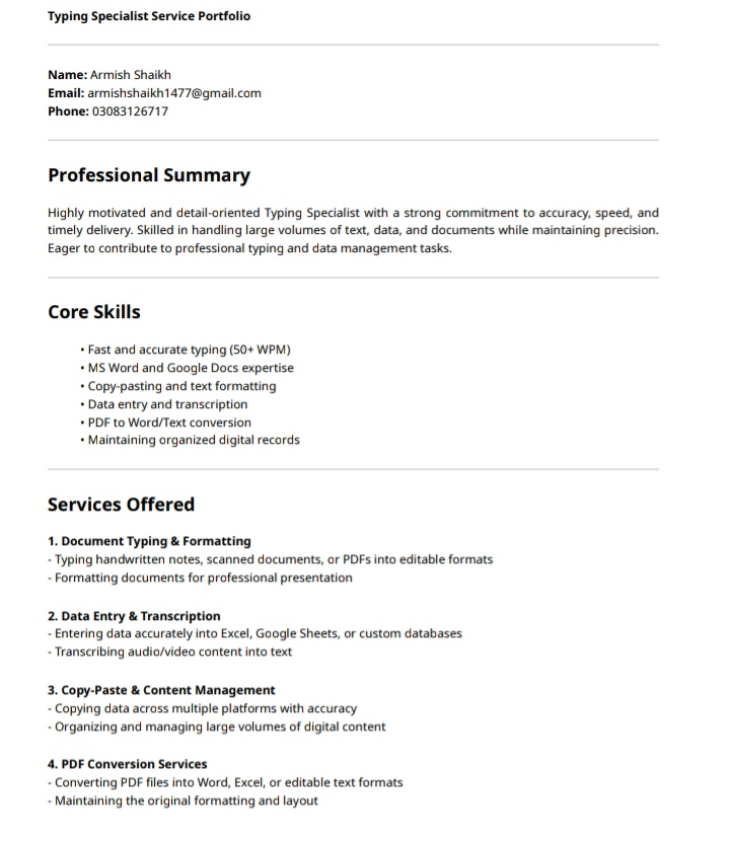
As a Typing Specialist, I provide fast, accurate, and reliable typing services for businesses, professionals, and students. I specialize in converting handwritten notes, scanned documents, and audio/video content into organized digital formats, ensuring high-quality work every time.
My services are designed to save your time and effort while maintaining accuracy, formatting, and confidentiality. Whether you need typed documents, data entry, transcription, or formatted reports, I deliver results efficiently and professionally.
Services Include:
Document Typing & Formatting: Convert PDFs, scanned documents, and handwritten notes into Word, Excel, or Google Docs with professional formatting.
Data Entry: Accurate entry of large volumes of data into spreadsheets, databases, or online systems.
Transcription Services: Audio and video transcription with attention to detail and formatting.
Customized Typing Projects: eBooks, articles, resumes, and presentations prepared with professional structure and layout.
Why Choose Me:
High Accuracy: Typing with 65+ WPM and 99% accuracy.
Confidentiality: Your sensitive documents are handled securely.
Timely Delivery: Projects completed within agreed deadlines.
Attention to Detail: Proper formatting, proofreading, and clean presentation.
Technology Used
As a Typing Specialist, I leverage a variety of tools and technologies to deliver accurate, fast, and well-formatted work. These technologies cover document creation, data entry, transcription, formatting, and editing.
1. Word Processing & Document Tools
Microsoft Word: Document typing, formatting, editing, and templates
Google Docs: Cloud-based typing, collaborative editing, and sharing
Notepad / Text Editors: Quick note-taking and plain text typing
2. Spreadsheet & Data Entry Tools
Microsoft Excel: Data entry, sorting, formulas, and formatting large datasets
Google Sheets: Collaborative spreadsheet data entry and management
3. PDF & Scanning Tools
Adobe Acrobat: PDF editing, conversion, and text extraction
Smallpdf / PDF Converter Tools: PDF to Word/Excel conversions
OCR Software (Optical Character Recognition): Extract text from scanned documents or images
4. Transcription & Audio Tools
Express Scribe: Audio and video transcription with playback controls
oTranscribe: Efficient transcription workflow and timestamping
5. Grammar & Editing Tools
Grammarly: Proofreading, grammar, and style checks
Hemingway Editor: Readability and clarity improvements
6. Design & Presentation Tools (Optional)
Microsoft PowerPoint: Presentation typing and formatting
Canva: Designing visually appealing reports and documents
Why These Technologies Matter:
Using these tools ensures that I deliver professional-quality work quickly, accurately, and in the required format, whether it’s typed documents, spreadsheets, transcriptions, or presentations
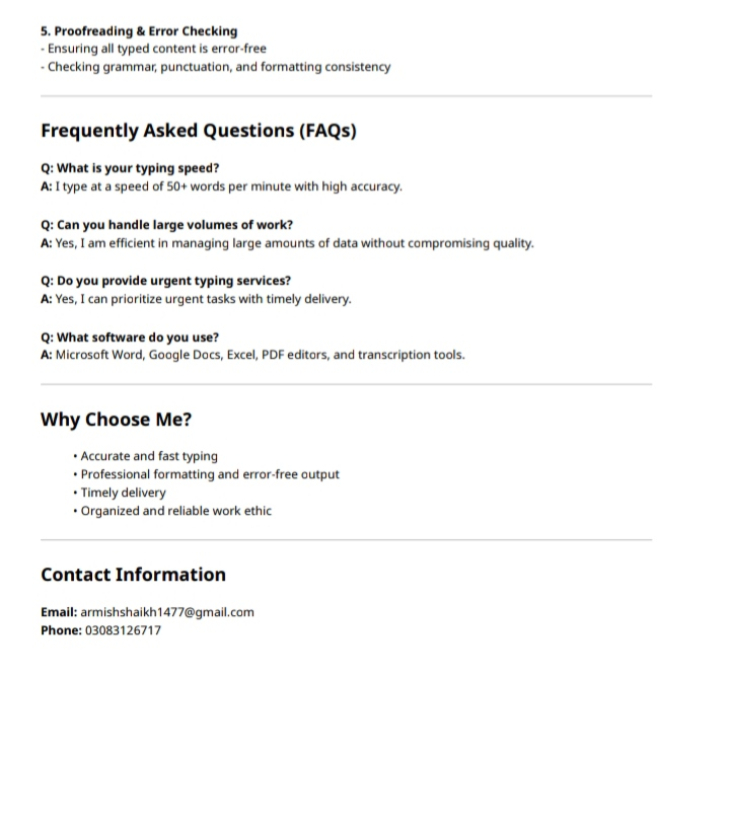
Frequently Asked Questions
Q1: What is your typing speed and accuracy?
A: I type at 65+ words per minute (WPM) with 99% accuracy, ensuring fast and reliable results.
Q2: What types of typing work can you handle?
A: I handle a wide range of tasks including:
Document typing and formatting (Word, PDF)
Data entry in Excel or Google Sheets
Audio/video transcription
Handwritten or scanned document conversion
Resume/CV and report formatting
Q3: Can you handle confidential documents?
A: Absolutely. I maintain strict confidentiality and ensure your sensitive information is secure.
Q4: In what formats can you deliver the work?
A: I can deliver work in Word, PDF, Excel, Google Docs, or PowerPoint, based on client requirements.
Q5: How do you ensure accuracy in large projects?
A: I divide tasks into manageable batches, double-check entries, and proofread documents before delivery to ensure 100% accuracy.
Q6: What is your typical turnaround time?
A: Turnaround depends on project size, but I always provide a timeline upfront and ensure timely delivery without compromising quality.
Q7: Do you offer revisions if needed?
A: Yes, I provide revisions to ensure the final output meets your expectations.
Q8: How do clients communicate with you during a project?
A: Clients can communicate via email, WhatsApp, or freelance platform messaging to provide instructions, feedback, or additional files.



Share This Service